

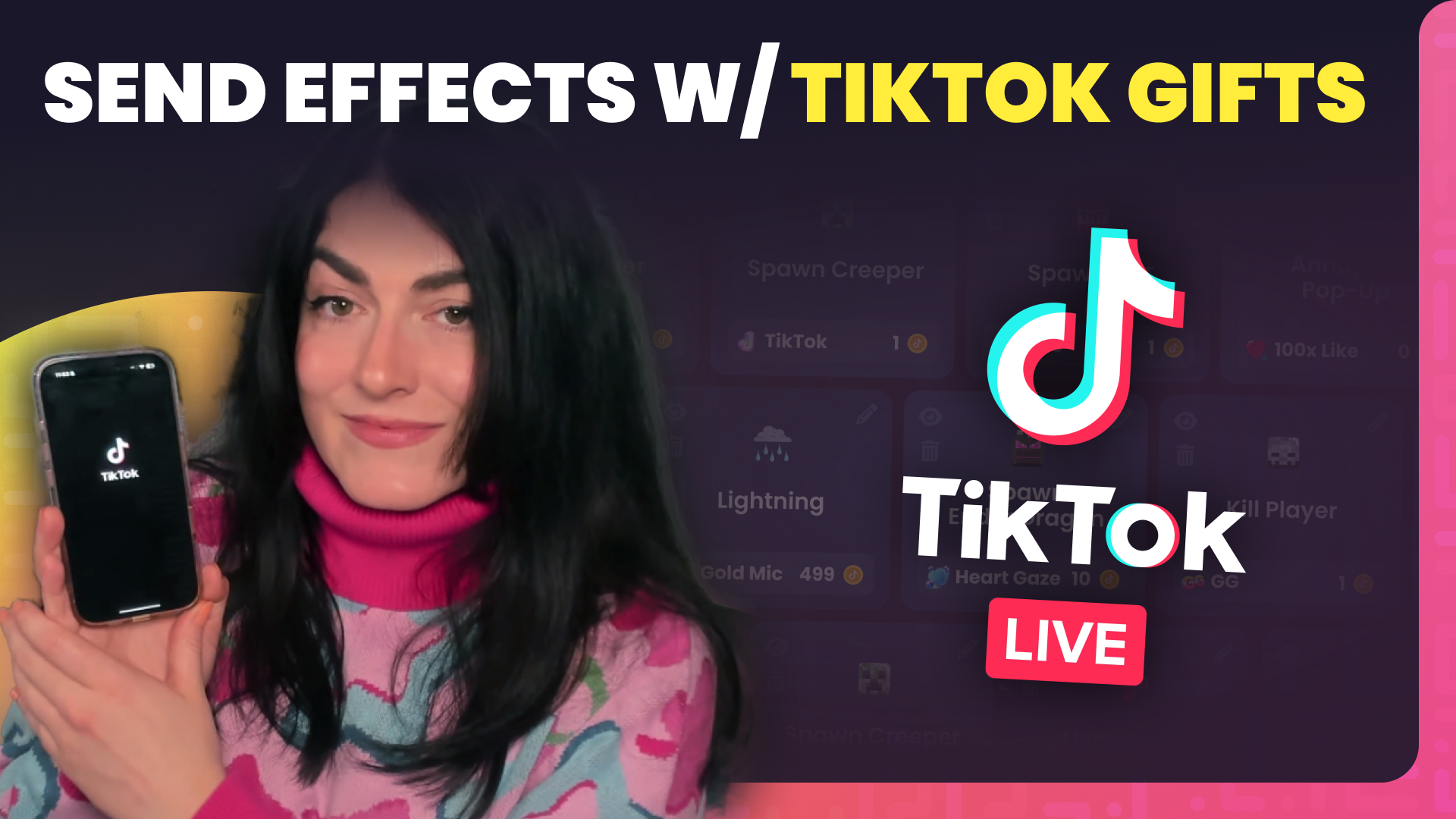
How to use Crowd Control on TikTok LIVE

Crowd Control Now Works with TikTok Live: Connect Effects to Likes, Follows, and Gifts
Exciting news for TikTok streamers — Crowd Control is finally available for TikTok Live! Now, you can link in-game effects to TikTok Likes, Follows, Shares, and Gifts, giving your audience the power to influence your gameplay in real time.
Whether you’re new to streaming or a seasoned creator, this integration is a game-changer for interactive content on TikTok.
What’s New with Crowd Control for TikTok?
With this update, you can directly connect Crowd Control effects to TikTok viewer interactions. That includes:
- Likes
- Follows
- Shares
- Gifts
You can also use our new TikTok Overlay to show real-time interactions during your stream. This visual feedback keeps your audience engaged and makes your stream feel even more alive.
How to Set Up Crowd Control with TikTok
Getting started is simple:
- New to Crowd Control? Just log in using your TikTok account.
- Already a user? You can link your TikTok under “Manage Profile.”
Once you’re connected, you’ll be able to start linking effects to TikTok actions.
What’s Included at Each Subscription Level?
Depending on your Crowd Control subscription, you’ll have access to different tiers of TikTok integration:
- Free Tier – Link up to 5 effects per game to TikTok Gifts
- Crowd Control Pro – Link up to 12 effects
- Crowd Control Max – Unlimited effects, and access to Likes, Follows, and Shares as triggers
If you’re serious about TikTok streaming and want full interaction control, upgrading to Pro or Max unlocks the best features.
How to Show Interactions On Stream
To display the available TikTok interactions to your viewers, just copy the TikTok Overlay link from your Crowd Control dashboard and paste it into a Browser Source in your streaming software (like OBS, Meld Studio, or TikTok LIVE Studio).
This adds a clean, customizable visual to your stream that shows viewers exactly how they’re impacting your game.
Before You Go Live
Before streaming, always test your effects to make sure everything’s working properly. Once set up:
- Go live on TikTok
- Start your session in Crowd Control
- Watch as your chat takes control of your game!
When viewers send the required amount of Gifts (or perform other linked actions), the corresponding in-game effects will trigger automatically.
Why Streamers Love This Update
This new TikTok integration makes Crowd Control the perfect companion for multistreaming. Whether you’re live on Twitch, YouTube, or TikTok, you can deliver the same chaotic, community-driven experience across platforms.
It’s also a great way to grow your presence on TikTok by offering something truly unique—interactive gameplay that responds directly to your viewers’ actions.
Try It Today
Whether you’re experimenting with TikTok Live for the first time or looking to boost your engagement, Crowd Control’s TikTok integration gives you all the tools to make your stream interactive, entertaining, and unforgettable.
Crowd Control is the app that lets your viewers interact with the games you play on stream. Crowd Control supports +100 games and has been installed by over 70,000 live creators.
Use Crowd Control on your next stream by visiting crowdcontrol.live
Follow Crowd Control on Twitter, TikTok, Instagram and Facebook
Have any questions, need help with Crowd Control or just want to hang? Join our Discord