

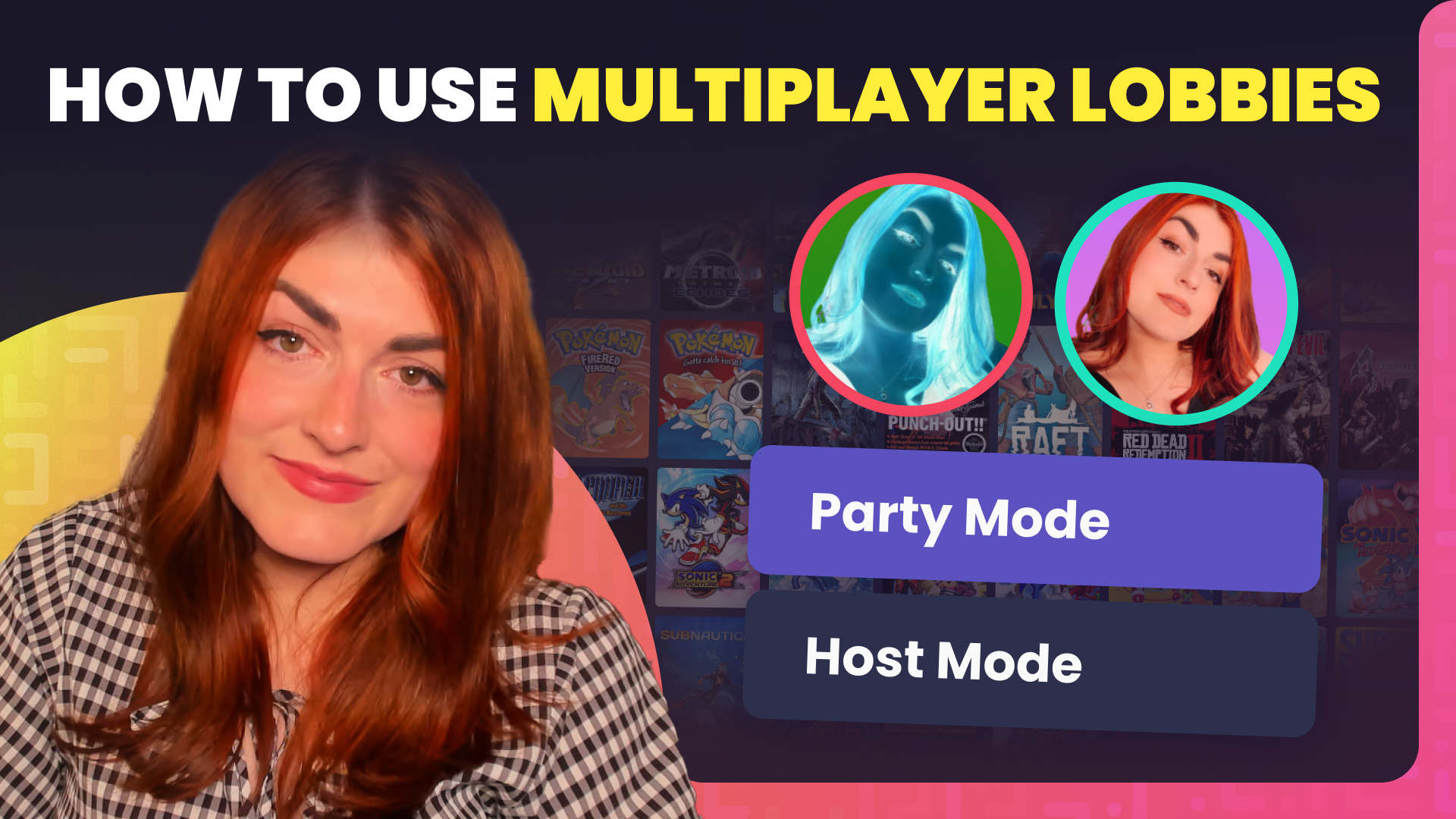
How to Use Crowd Control Multiplayer Lobbies

Bring Friends or Viewers Into the Chaos!
Looking to take your Crowd Control sessions to the next level? Whether you’re streaming with friends or want your viewers to join the fun, Crowd Control’s Lobby system makes it easy to create unforgettable multiplayer mayhem.
What Are Crowd Control Lobbies?
Lobbies are a powerful multiplayer feature built right into the Crowd Control app. Lobbies let you team up with other creators—or even your viewers—so that multiple people can experience the Crowd Control chaos together. There are two main types of lobbies you can create:
🎉 Party Mode Lobbies
In Party Mode, all Crowd Control effects from each participant’s stream are combined and sent to everyone in the lobby. That means if your friends’ communities decide to go wild, your gameplay pays the price! It’s perfect for collaborative chaos and a true test of endurance.
🕹️ Host Mode Lobbies
Host Mode lets others mirror your gameplay experience. Each player runs their own game session, but all receive the same effects at the same time. Great for races, co-op streams, or simply surviving together.
Setting Up a Lobby
Getting started is easy:
- Open the Crowd Control Live Page.
- Choose the game you want to play.
- Select either Party Mode or Host Mode.
- Click to create your Lobby and grab your Invite Code.
- Share the code with anyone you want to join—streamer friends, viewers, or community members.
Participants can join by entering the Invite Code into the “Join Lobby” prompt.
Understanding Player Status
In the lobby, you’ll see a list of players and their setup status:
- 🔴 Red Circle – Player hasn’t finished setting up the correct game yet.
- 🟡 Yellow Circle – Game is ready, but the session hasn’t started.
- 🟢 Green Circle – Player is live and ready to roll!
Need to manage your Lobby? Click Manage Lobby to view participants, remove players, or ban users if needed.
Whether you’re building chaos with fellow creators or letting your viewers join the fun, Crowd Control’s Lobbies turn solo streams into shared adventures. Go ahead—open a lobby and see who survives the madness!
Crowd Control is the app that lets your viewers interact with the games you play on stream. Crowd Control supports +100 games and has been installed by over 70,000 live creators.
Use Crowd Control on your next stream by visiting crowdcontrol.live
Follow Crowd Control on Twitter, TikTok, Instagram and Facebook
Have any questions, need help with Crowd Control or just want to hang? Join our Discord