
How this works
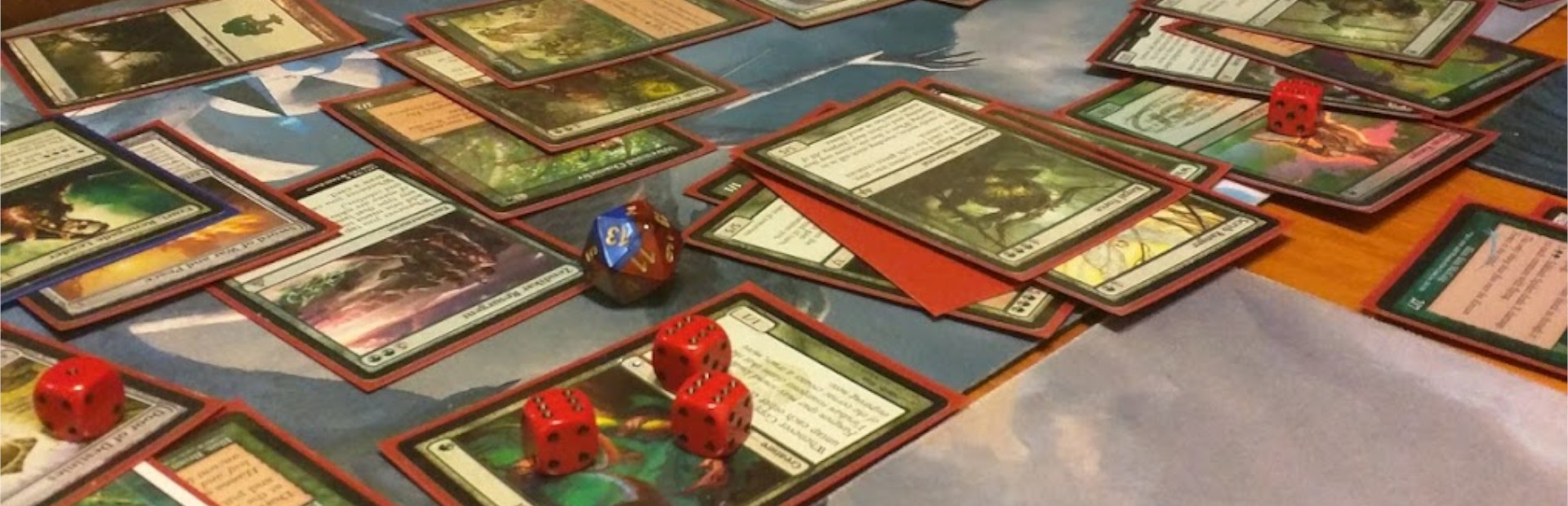
This pack is intended to be used at a real (or virtual) table with real players and real cards.
A dedicated person acts as the “Referee”.
Effects will queue until approved by the Referee.
When approved, the game should pause and effects happen immediately.
Crowd Control effects cannot be interacted with in anyway and bypass player mechanics.
This was originally intended for Commander/EDH game play!
Check out our live stream with how this worked. https://www.twitch.tv/videos/2273782649
Effect Triggers
When an effect triggers, the game pauses until the effect resolves. When the effect is done, all triggers happen at the same time. Use normal game mechanics to determine what player resolves their triggers first and stack the triggers per player like normal.
Referee
The Referee can be a player, but may be better as a non player, that way they won’t have bias on when to accept effects. They will need to watch the Crowd Control desktop app dashboard for new effects and accept or reject them, read them to the group and make sure the effect resolves.
Feedback
This is a new area for us, and we’d love to hear from you! If you’ve tried any of our MTG streams. Please share your thoughts; what worked, what didn’t, and what you’d love to see next.
More Effects
More game modes
Other ideas? We’re all ears!
Credits
This pack was made in collaboration with Gamers Guild!
Ready to get Started?
Start Streaming the Interactive Way
Have any Questions?
Check our FAQs, or join Discord for Support
Making a Game?
Consider integrating Crowd Control!

OTHER SERVICES