

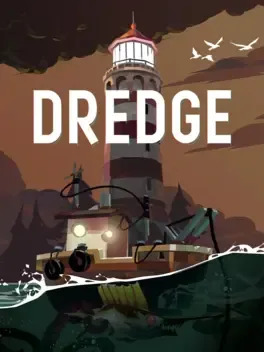
DREDGE
PC Aug 2024
-
 Mod Required
-
 Mod Compatibility: Good
-
 Automatic Setup: Full
-
 Auto Uninstaller
-
How to Setup Crowd Control with Steam
Guide
DREDGE (PC)
You can follow the general setup guide & FAQ above for extra help with the Twitch Extension, the Crowd Control Desktop Client and other options.
If you have any questions or need help with this setup, please head over to our discord for additional support!
Setup
- Select “Dredge” from the CC desktop app.
- Install the mod using our desktop app.
- Launch the game using the CC desktop app.
- Press START and test effects!
You can find the mod package here!
Credits
Created using BepInEx!
Uninstall
To uninstall the Crowd Control mod and BepInEx:
- From the CC desktop app, select your game.
- Press ALT + Click on “Mod Installed” to run the uninstaller.