Getting Started
New to Crowd Control? Check out the
1. Start with the App
Open Crowd Control Desktop App
Select Donkey Kong Country from the game list
Follow the Auto Setup checklist (right side of app)
2. ROM Requirements
May 11, 2026: Version 9 is not supported at this time. Coming soon!
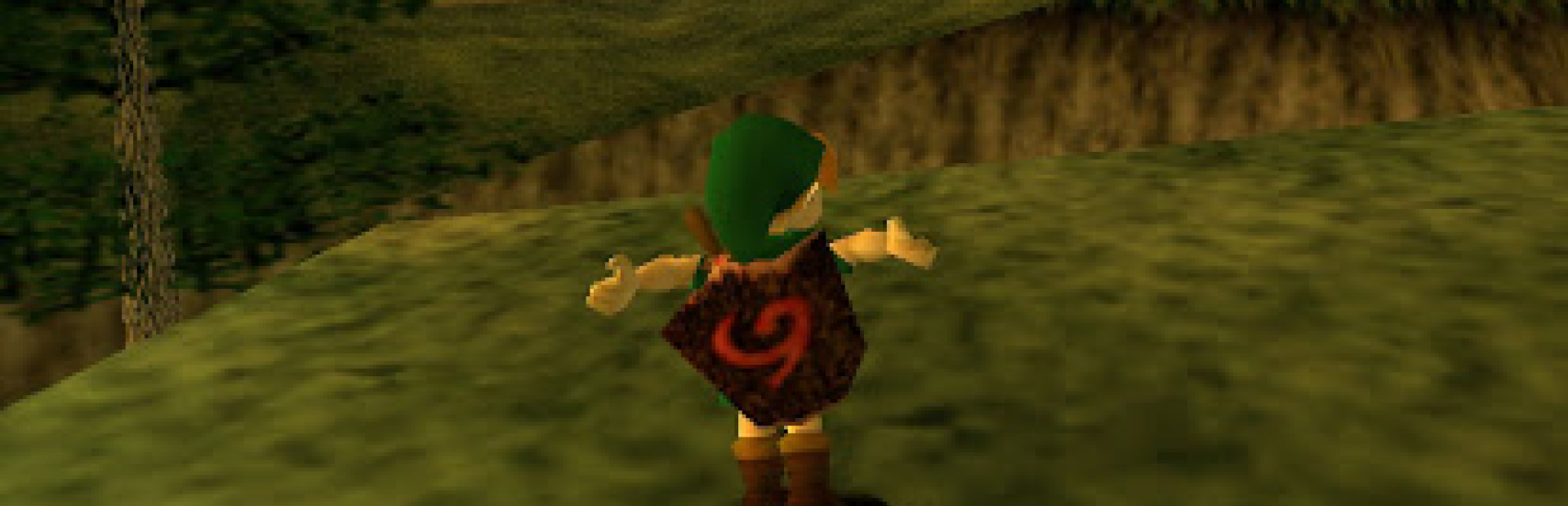
To get started, head over to ootrandomizer.com and click Generate Seed. We have confirmed support for versions 6, 7, and 8 of the randomizer.
A “vanilla” style seed can be made using ootrandomizer.com/seed/vanilla
Since we are unable to provide support directly for the creation process of the randomized ROM, you may want to join the OoTR discord to seek assistance if you face issues using the generator.
Once you have obtained a randomized ROM, simply point the Crowd Control desktop app to its saved location on your computer and start your game.
Notes
Effects will not trigger inside Links house. Be sure to leave and go down the stairs before trying to send any effects. Consider the house as a safe spot.
Extra BizHawk Settings
We recommend following the BizHawk and OOTR guide on controller setup, video setup and other options. This helps get the best out of BizHawk while playing N64 games. Most of these settings have already been applied when using the One Click Setup!
Ready to get Started?
Start Streaming the Interactive Way
Have any Questions?
Check our FAQs, or join Discord for Support
Making a Game?
Consider integrating Crowd Control!

OTHER SERVICES