
1. Start with the App
Open the Crowd Control Desktop App
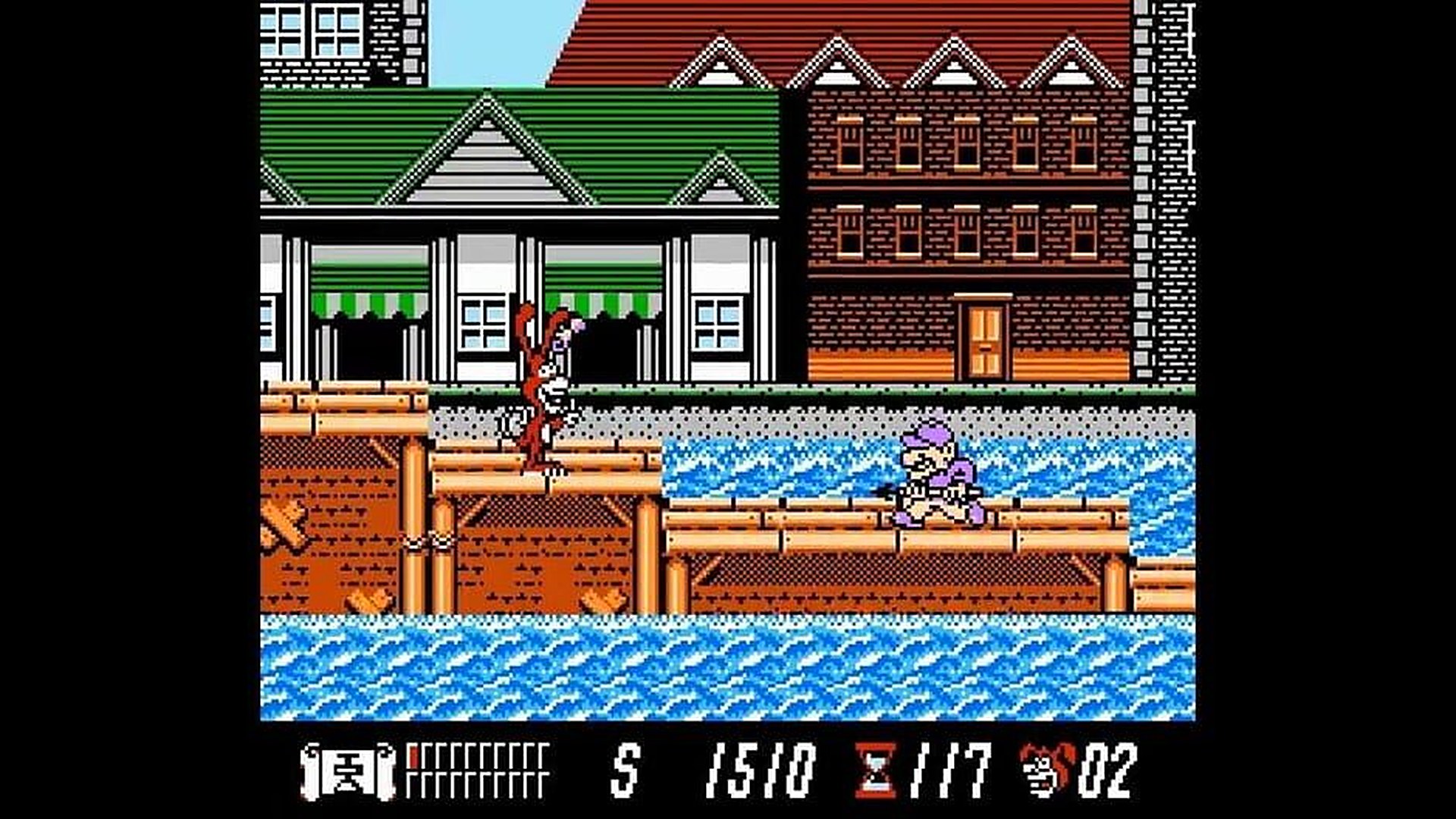
Select Yo! Noid from the game list
Follow the Auto Setup checklist (left side of the app).
You will need a Yo! Noid (USA) NES ROM.
2. Test Before You Stream
Effects can only be tested after pressing "Start Session" in the app
Always test a few effects before going live
Skipping this can lead to broken streams and confusion!
ROM Compatibility
Requires the USA release of Yo! Noid for NES
Two common ROM dumps are supported (MD5:
aa9d0e83d41a7a0d1b0ee9cac7c7e8f4with the common iNES header, orbc5c67dc97197ea3361a97d0bfd112c0with a clean header)The app patches your ROM automatically during setup; both common dumps patch to the same ROM, MD5
098279e37ac01956053b9d44781605c1(the patch rewrites the cartridge header as part of its upgrade to the MMC3 mapper)Crowd Control does not provide ROM files
Vehicles
Gyrocopter and Skateboard are not available in stages 3, 8 and 14, the stages that have their own vehicles
In every other stage the real vehicle sprites are shown: the patch converts the cartridge to the MMC3 mapper so the skateboard and gyrocopter tiles can travel with the Noid
The yo-yo cannot be thrown while riding either vehicle — that is the game's own rule
Ready to get Started?
Start Streaming the Interactive Way
Have any Questions?
Check our FAQs, or join Discord for Support
Making a Game?
Consider integrating Crowd Control!

OTHER SERVICES