
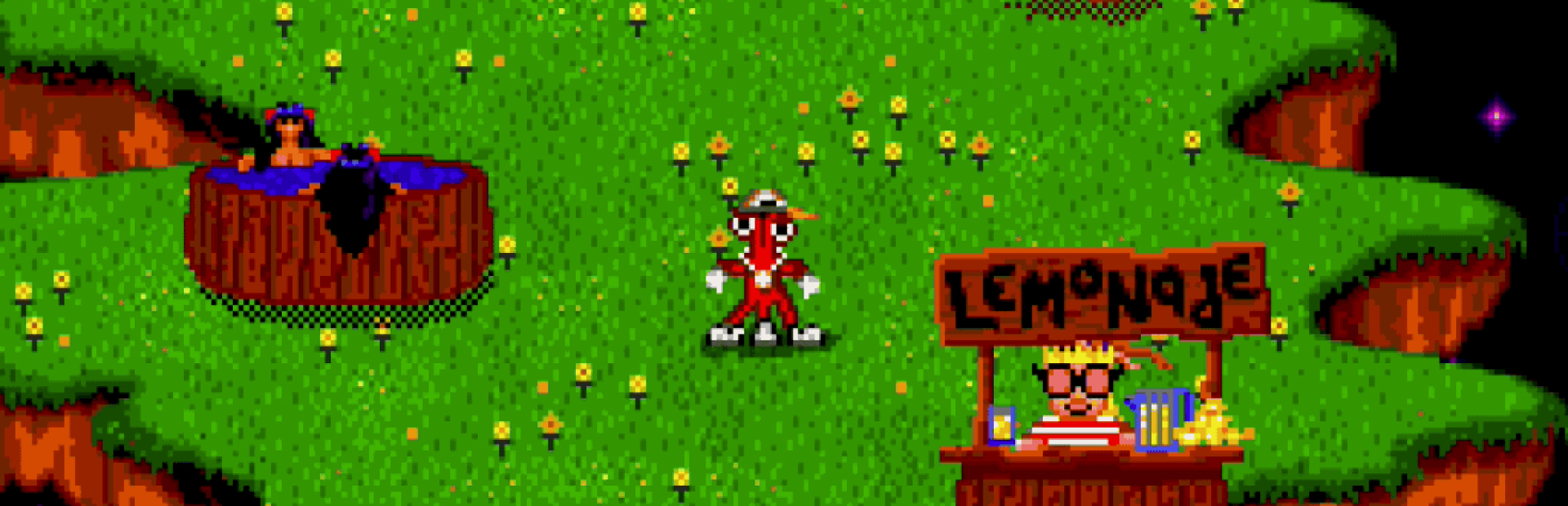
ToeJamAndEarl
1. Start with the App
Open Crowd Control Desktop App
Select ToeJam and Earl from the game list
Follow the Auto Setup checklist (right side of app)
2. ROM Requirements
Must be the USA SEGA Genesis version with MD5:
3. Test Before You Stream
You can only test effects after pressing “Start Session” in the Crowd Control app
Always test a few effects before going live to confirm effects trigger as expected
Skipping this step can lead to broken streams and confusion!
Ready to get Started?
Start Streaming the Interactive Way
Have any Questions?
Check our FAQs, or join Discord for Support
Making a Game?
Consider integrating Crowd Control!

OTHER SERVICES