
1. Start with the App
Open Crowd Control Desktop App
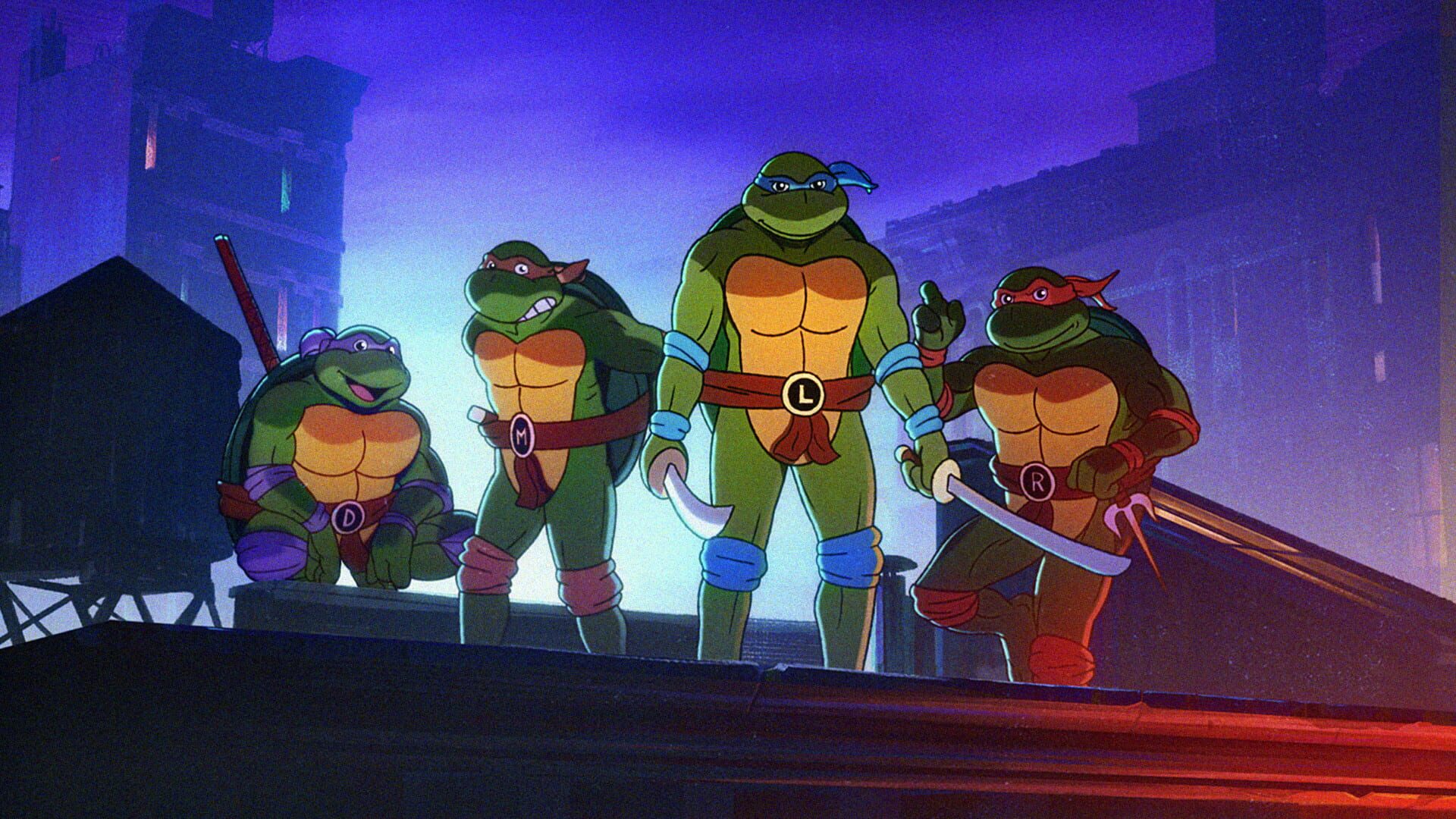
Select Teenage Mutant Ninja Turtles: Shredder's Revenge from the game list
Follow the Auto Setup checklist (left side of app). It installs TMNTModApi, the game's mod loader, plus the Crowd Control mod
Setup opens a small console window for TMNTModApi. Press any key when it says Done
2. Test Before You Stream
You can only test effects after pressing Start Session in the Crowd Control app
Always test a few effects before going live to confirm effects trigger as expected
Game Version
We support the Steam version (Windows). A game update or Steam's Verify integrity of game files removes TMNTModApi. Run Auto Setup again to reinstall it.
Multiplayer
Every player needs the Crowd Control mod at the same version. If someone is unmodded, effects switch off and the panel names who is missing it.
Notes for your chat:
Each player's turtle effects appear once that player has joined
Slow Motion, Fast Forward and Low Gravity only work offline
Uninstall
From the CC desktop app, select your game and click the trash icon next to Mod Installed.
TMNTModApi stays installed, so other mods keep working. To remove it too, delete ParisSerializers.dll and rename ParisSerializers.org.dll back to ParisSerializers.dll, or verify game files in Steam.
Ready to get Started?
Start Streaming the Interactive Way
Have any Questions?
Check our FAQs, or join Discord for Support
Making a Game?
Consider integrating Crowd Control!

OTHER SERVICES