
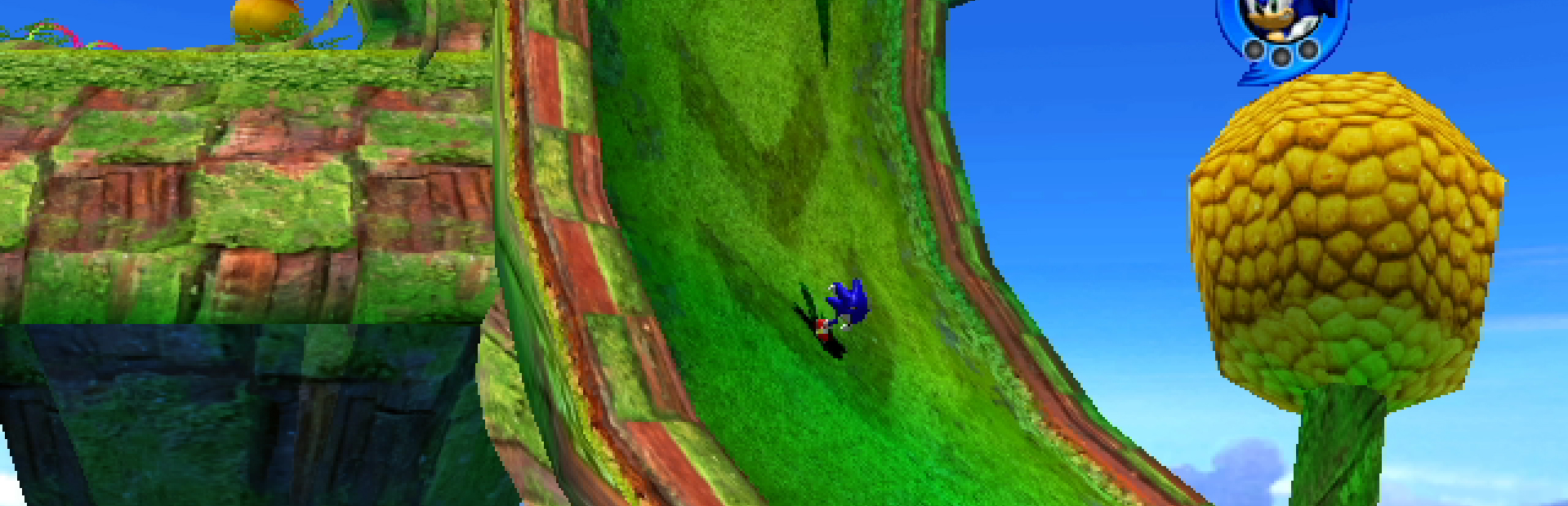
1. Start with the App
Open Crowd Control Desktop App
Select Sonic Heroes from the game list
Follow the Auto Setup checklist (left side of app)
2. Find Game Files
The PC port of this game is no longer supported by its’ developer and is considered “abandonware”. Once you dig out your old disc, make sure you use the Reloaded II mod loader and apply the “NoCD” patch. More info found here: https://gamebanana.com/news/21566 We are unable to provide more support for this part of the setup.
Download the SonicHeroes-CC-Mod files and extract them into the “Reloaded 2 mods folder”.
Select “Sonic Heroes” From the CC desktop app and select your “Reloaded II” setup folder, where “Reloaded-II.exe”
Launch the game using the CC desktop app, which should launch the Reloaded 2 mod loader.
Go to mods and be sure to enable the Crowd Control mod.
Start Sonic Heroes from the Reloaded menu, press Start in the CC desktop app and test effects!
3. Test Before You Stream
You can only test effects after pressing “Start Session” in the Crowd Control app
Always test a few effects before going live to confirm effects trigger as expected
Common Issues
The CC desktop app with Sonic Heroes selected is required for the mod to function. Launching the game without the desktop app with crash the game!
NOTE: Other mods may work, but are not completely supported.
Credits
Special thanks to CodenameGamma for making this awesome mod! Check out her YT https://www.youtube.com/CodenameGamma !
Ready to get Started?
Start Streaming the Interactive Way
Have any Questions?
Check our FAQs, or join Discord for Support
Making a Game?
Consider integrating Crowd Control!

OTHER SERVICES