
1. Start with the App
Open the Crowd Control Desktop App
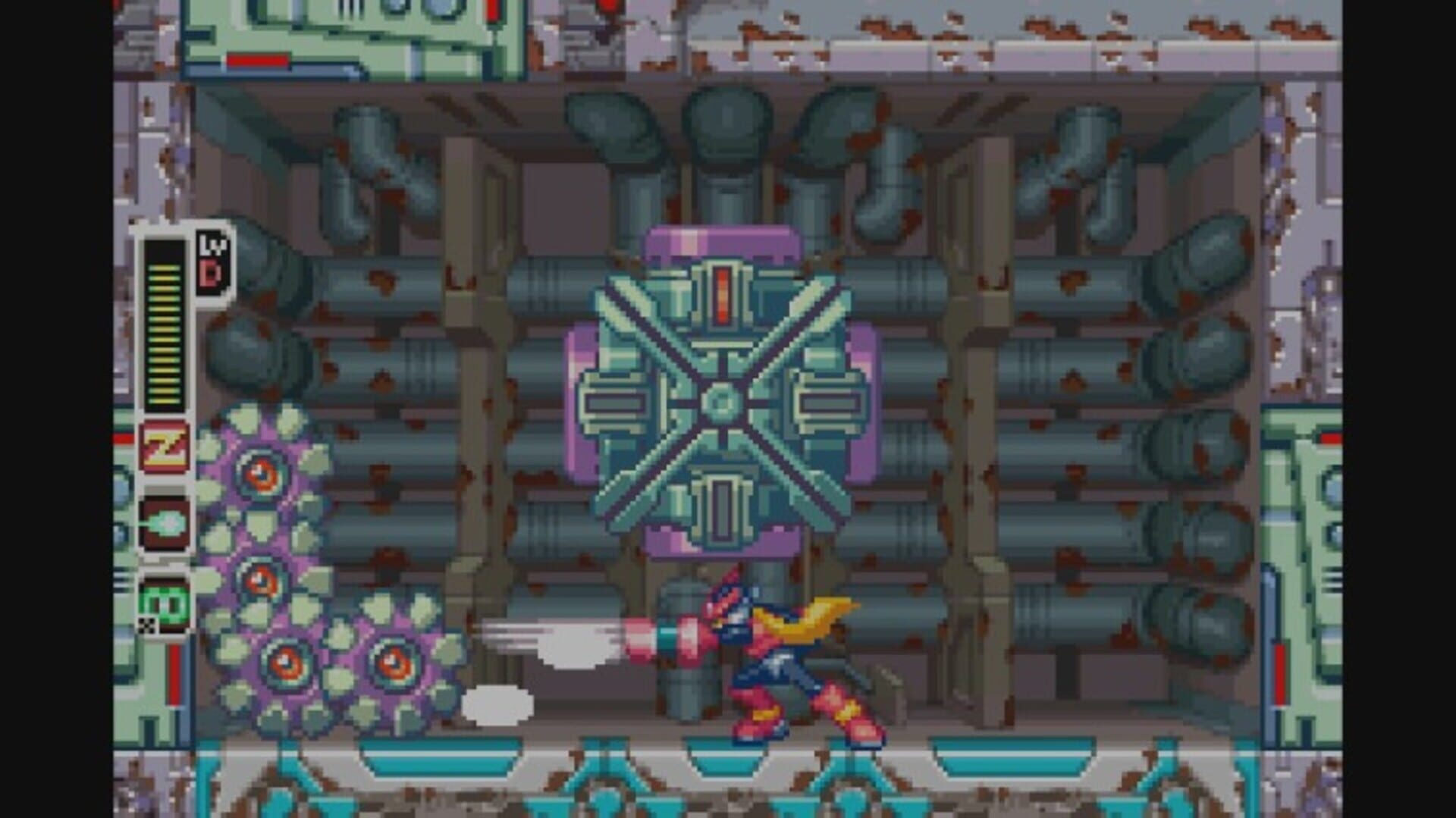
Select Rockman Zero 4 from the game list
Follow the Auto Setup checklist on the left side of the app.
You will need a Japanese Game Boy Advance ROM and the GBA BIOS configured in BizHawk.
2. Test Before You Stream
Effects can only be tested after pressing "Start Session" in the app
Always test a few effects before going live
Test each new effect individually before combining effects
ROM Compatibility
Requires the Japanese release of Rockman Zero 4 (ロックマンゼロ4) for Game Boy Advance
Your ROM must have MD5 D4E3855B1E6630921DE0E188AC974EBF
Other regions and revisions are not supported
Crowd Control does not provide ROM files
BizHawk Support
Select BizHawk TCP in the app to test the pack
Double Speed requires the bundled Lua connector; all other effects work over BizHawk TCP
Tested with BizHawk 2.11.1
Pack Contents
25 effects: Part and Chip equips, HP recovery and damage, weapons, Cyber Elves, lives, EX Skills, weather changes, and Double Speed
Credits
Community pack by 氷織: https://www.tiktok.com/@hio8842
Ready to get Started?
Start Streaming the Interactive Way
Have any Questions?
Check our FAQs, or join Discord for Support
Making a Game?
Consider integrating Crowd Control!

OTHER SERVICES