
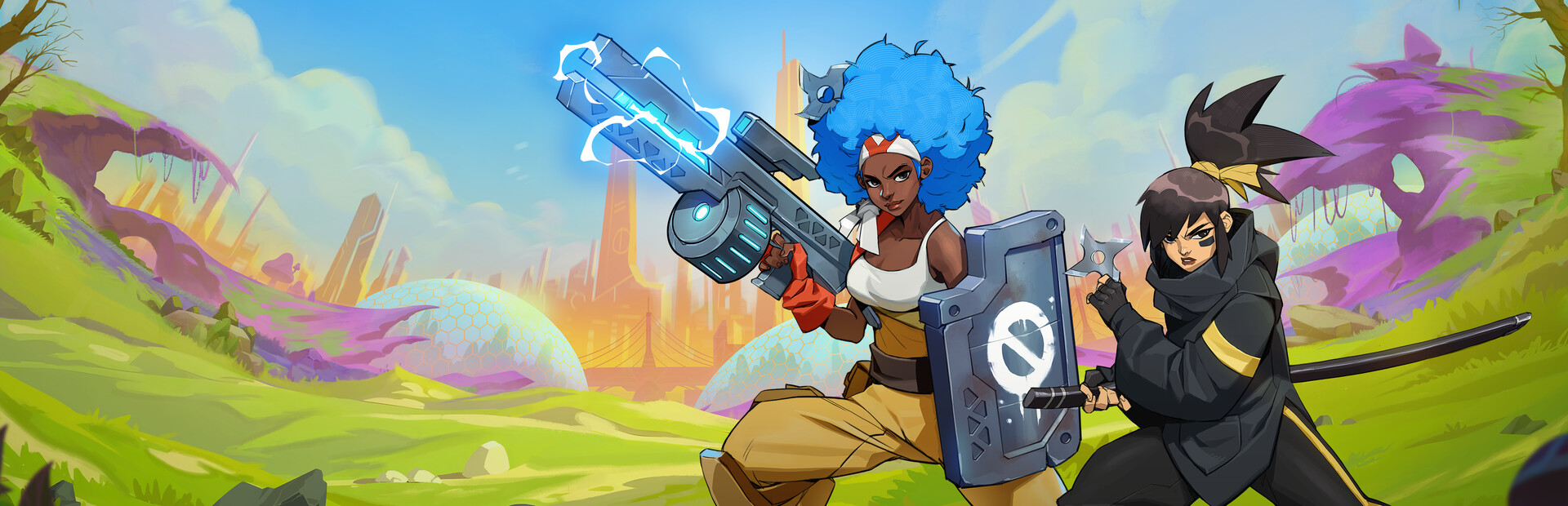
RaRaBoom
Setup
Find Ra Ra BOOM on Steam and install!
Check “Enable Crowd Control” from Settings.
You can use the Crowd Control desktop app to disable/enable effects, adjust pricing and more!
Ready to get Started?
Start Streaming the Interactive Way
Have any Questions?
Check our FAQs, or join Discord for Support
Making a Game?
Consider integrating Crowd Control!

OTHER SERVICES