
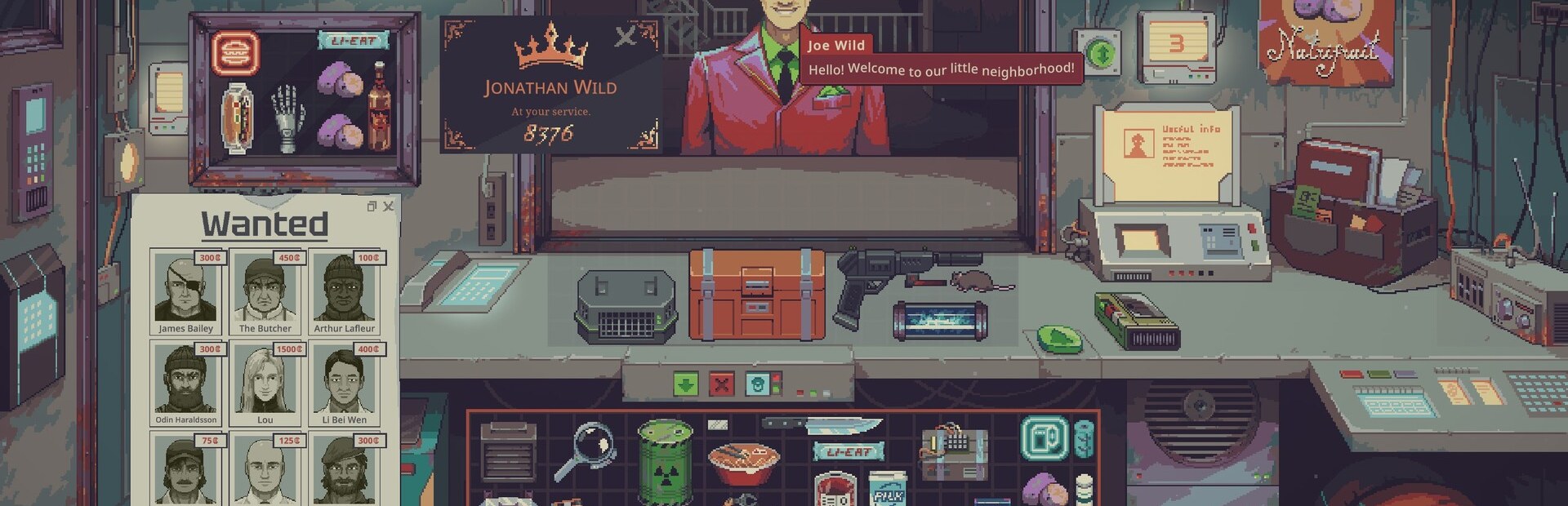
1. Start with the App
Open the Crowd Control Desktop App
Select Probably Stolen from the game list
Install the mod (next section) — there is no auto setup for this game yet
Launch the game, open the Mods menu, and enable Crowd Control
Approve the network capability prompt (the mod talks to the Crowd Control app on your own PC, 127.0.0.1) and restart the game
2. Install the Mod
Close the game
Download ProbablyStolen-CC.zip
Open your game's install folder (in Steam: right-click the game → Manage → Browse local files)
Create a
Modsfolder there if it does not exist, and extract the zip intoMods\crowd_control\so the folder ends up withmanifest.xml,README.txtandCrowdControl.ProbablyStolen.dllProbably Stolen uses its own first-party mod loader — do not install BepInEx or MelonLoader for this game
3. Test Before You Stream
Effects can only be tested after pressing "Start Session" in the app
Load into your save, open the shop (the shutter), and wait a few seconds
Always test a few effects before going live
Skipping this can lead to broken streams and confusion!
Mod Compatibility
Our mod runs on the game's built-in mod loader (no BepInEx/MelonLoader)
Mod package: ProbablyStolen-CC.zip
Other mods may work, but are not tested with Crowd Control
If you have issues, try with just Crowd Control
Game Version
Tested with the Steam version of the game, release 1.0
Other game stores may work but have not been tested
Want another store supported? Submit a request in our Discord, #cc-requests
Notes
Effects only work while the shop is open and mostly answer with Retry during the morning or when no customers are around — that is the mod telling you the effect has nothing to grab onto yet
Early Closing ends the day on the spot (nightly report and autosave included), and Break-In empties half the till — warn your streamer
Timed effects pause while the game is paused or unfocused, and end when the day ends
Conflicting effects do not overlap
If the overlay says the mod is disconnected, make sure the Crowd Control app is running; the mod reconnects on its own (F10 forces a reconnect)
The mod log lives at
%USERPROFILE%\AppData\LocalLow\Questing Goose Studio\Probably Stolen\Player.log. Lines that start with[Crowd Control]show every effect request and its resultBack up your saves before installing mods. Saves live in
%USERPROFILE%\AppData\LocalLow\Questing Goose Studio\Probably Stolen
Uninstall
Open the game's Mods menu, deactivate Crowd Control, and restart
Then delete the
Mods\crowd_controlfolder from the game directory
Credits
Pack by the Crowd Control team: CCPack-PC-ProbablyStolen on GitHub
Game by Questing Goose Studio — buy it on Steam
Ready to get Started?
Start Streaming the Interactive Way
Have any Questions?
Check our FAQs, or join Discord for Support
Making a Game?
Consider integrating Crowd Control!

OTHER SERVICES