Image

Features

Resources

Image
Image

Features

Resources

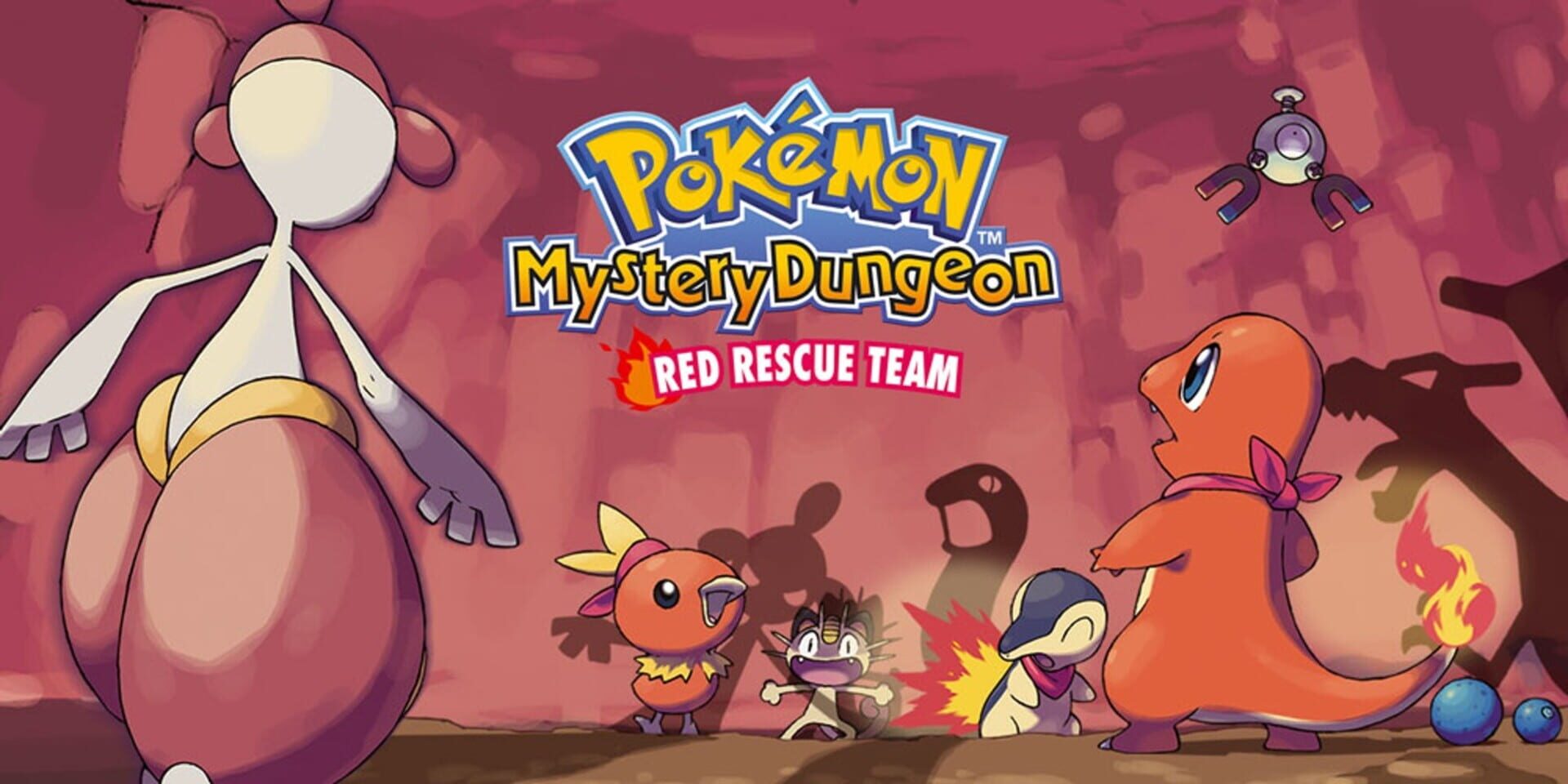
Game box art
PMDRedRescueTeam
No headings found on page

Crowd Control Setup Guides

CC Setup Guides

Pokémon Mystery Dungeon: Red Rescue Team

Getting Started

New to Crowd Control? Check out the

or check our

1. Start with the App

  • Open the Crowd Control Desktop App

  • Select Pokémon Mystery Dungeon: Red Rescue Team from the game list

  • Follow the Auto Setup checklist (left side of the app). The app will help you set up BizHawk.

  • You will need a Japanese ROM (see ROM Compatibility)

2. Test Before You Stream

  • Effects can only be tested after pressing "Start Session" in the app

  • Always test a few effects before going live

  • Skipping this can lead to broken streams and confusion!

ROM Compatibility

  • Requires the Japanese release of Pokémon Mystery Dungeon: Red Rescue Team for Game Boy Advance

  • Your ROM must have MD5 F3647154D85D20F9C8BA66ED8F0A609E

  • The USA/EU release is not supported

  • Crowd Control does not provide ROM files

Bizhawk Support

Before you can play Game Boy Advance games with Bizhawk, import a legally obtained GBA BIOS: Config > Firmwares. Find GBA, right-click and Set Custom, then browse to your BIOS. Relaunch Bizhawk or reopen it from the CC app.

GBA BIOS reference:


Game Version

  • Tested with BizHawk 2.9.1

  • BizHawk 2.11.1 has not been fully tested yet. If you run into issues, try 2.9.1.

Credits

1. Start with the App

  • Open the Crowd Control Desktop App

  • Select Pokémon Mystery Dungeon: Red Rescue Team from the game list

  • Follow the Auto Setup checklist (left side of the app). The app will help you set up BizHawk.

  • You will need a Japanese ROM (see ROM Compatibility)

2. Test Before You Stream

  • Effects can only be tested after pressing "Start Session" in the app

  • Always test a few effects before going live

  • Skipping this can lead to broken streams and confusion!

ROM Compatibility

  • Requires the Japanese release of Pokémon Mystery Dungeon: Red Rescue Team for Game Boy Advance

  • Your ROM must have MD5 F3647154D85D20F9C8BA66ED8F0A609E

  • The USA/EU release is not supported

  • Crowd Control does not provide ROM files

Bizhawk Support

Before you can play Game Boy Advance games with Bizhawk, import a legally obtained GBA BIOS: Config > Firmwares. Find GBA, right-click and Set Custom, then browse to your BIOS. Relaunch Bizhawk or reopen it from the CC app.

GBA BIOS reference:


Game Version

  • Tested with BizHawk 2.9.1

  • BizHawk 2.11.1 has not been fully tested yet. If you run into issues, try 2.9.1.
Credits

Ready to get Started?

Start Streaming the Interactive Way

Have any Questions?

Check our FAQs, or join Discord for Support

Making a Game?

Consider integrating Crowd Control!