
1. Start with the App
Download and open the Crowd Control desktop app.
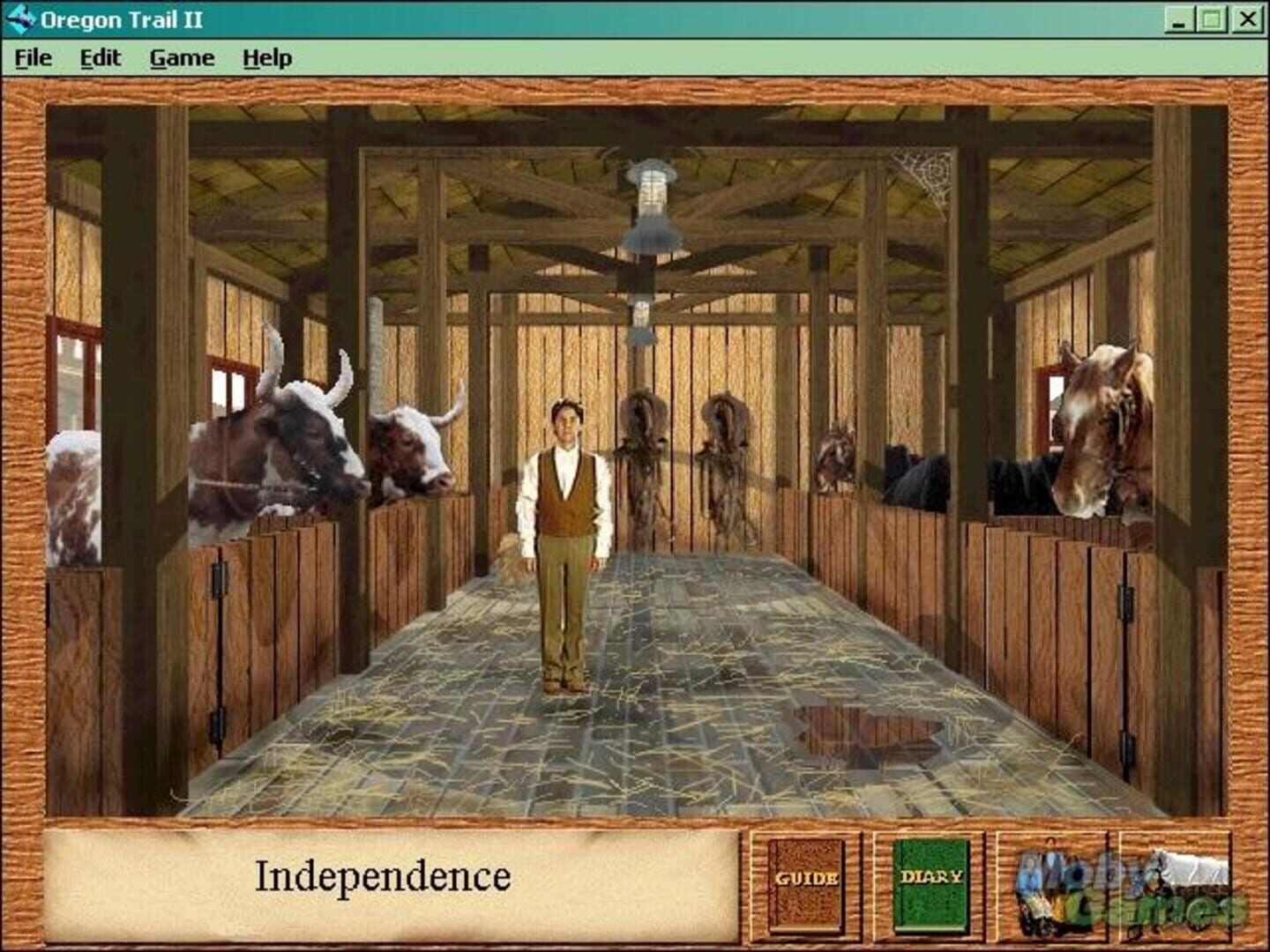
Select The Oregon Trail II from the game list.
Download the Crowd Control Version of the game from oregontrail.me.
Put the downloaded exe in the game's DATA folder, next to OregonII.Dat and OregonII.Eng.
Launch the game and open Crowd Control from the game's menu bar.
Click Connect, then press Start Session in the app.
2. Test Before You Stream
Trigger a few effects from the app.
Confirm the effects fire in game before you go live.
Game Version
Supports the modern Windows build of The Oregon Trail II from oregontrail.me.
Use the Crowd Control Version download. The Online and Offline editions do not include Crowd Control.
The download is only the executable. You also need the game's data files (OregonII.Dat, OregonII.Eng, and the rest of the game's folder).
Copy the data files from your original Oregon Trail II disc, or find them on archive.org.
Crowd Control is built into the game. There is no mod to install.
File Verification
The data files must match the 1996 USA CD release of Oregon Trail II. To check an MD5 on Windows, run certutil -hashfile OREGONII.ENG MD5 in the DATA folder.
OREGONII.ENG must be 781682482bb7a5369047b2b0ba19f728
OREGONII.DT2 must be 6caa0849ae7cd265000e17acad605a46
OREGONII.DAT must be a91c24aabfd5fa0d1ff844959232c52f (original CD) or 81fdc84abf4a30f6c07d03590aee2140 (trimmed copies that ship with the modern build)
Notes
Crew member names in effect menus update automatically from your wagon party.
Most effects only appear in the menu once a game is loaded.
Credits
Community pack by Skippy.
Play the modern Windows build at oregontrail.me.
Ready to get Started?
Start Streaming the Interactive Way
Have any Questions?
Check our FAQs, or join Discord for Support
Making a Game?
Consider integrating Crowd Control!

OTHER SERVICES