
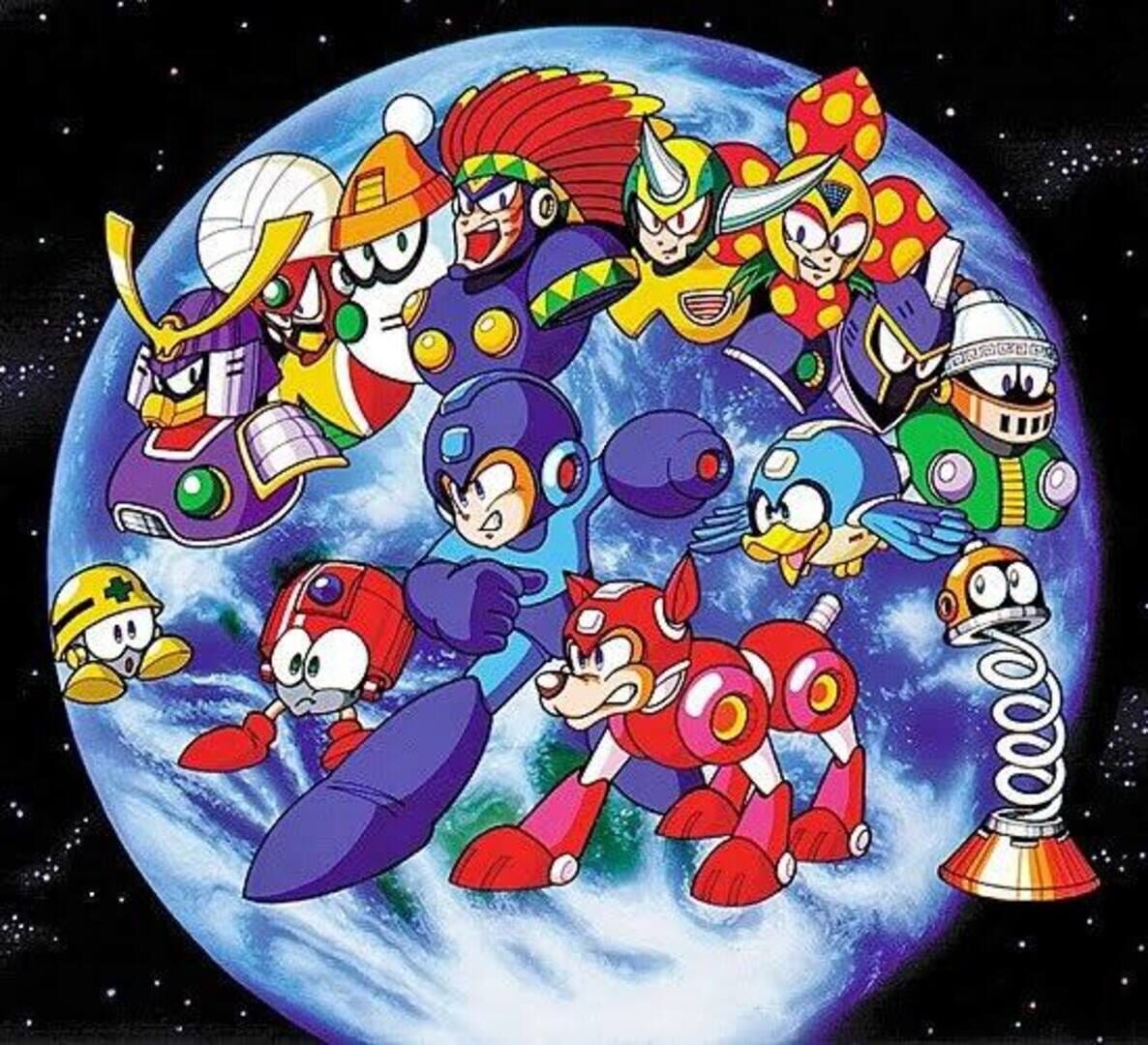
1. Start with the App
Open the Crowd Control Desktop App
Select Mega Man 6 from the game list
Follow the Auto Setup checklist (left side of the app)
You will need a Mega Man 6 (USA) ROM. Crowd Control applies its own patch automatically.
2. Test Before You Stream
Effects can only be tested after pressing "Start Session" in the app
Always test a few effects before going live
Skipping this can lead to broken streams and confusion!
ROM Compatibility
Requires a stock Mega Man 6 (USA) ROM
Game Version
Works with the NTSC-US release of Mega Man 6
Headered and headerless ROMs are both supported
Want another region supported? Submit a request in our Discord, #cc-requests
Notes
Level Warps can send Mega Man to a later stage early. Viewers can warp him back.
A big Spawn Mets order can briefly crowd out the stage's own enemies until the Mets clear.
Uninstall
In the CC desktop app, select your game
Click the trash icon next to the game to remove the pack
Ready to get Started?
Start Streaming the Interactive Way
Have any Questions?
Check our FAQs, or join Discord for Support
Making a Game?
Consider integrating Crowd Control!

OTHER SERVICES