
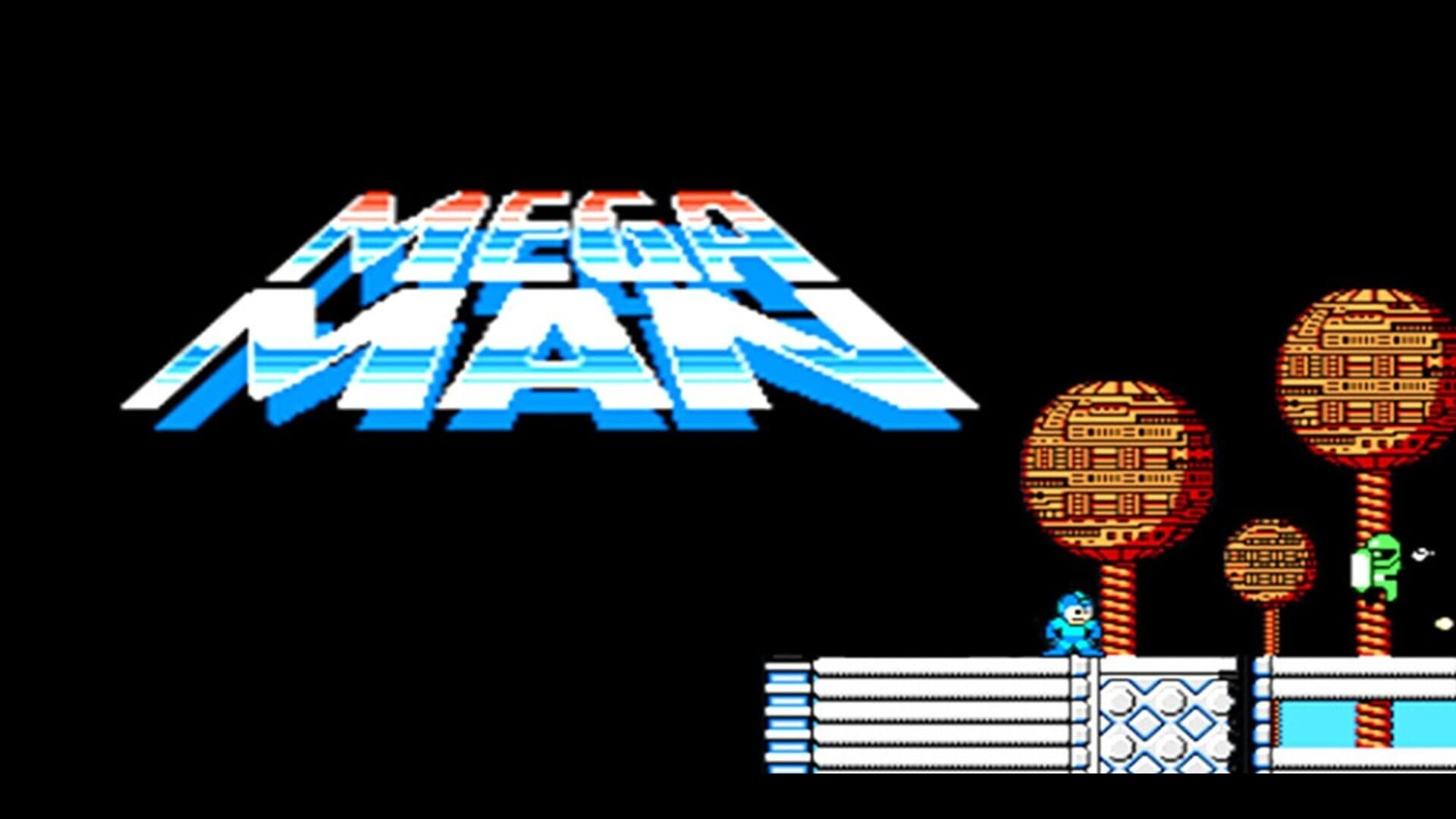
1. Start with the App
Open the Crowd Control Desktop App
Select Mega Man from the game list
Follow the Auto Setup checklist (left side of the app).
You will need a Mega Man (USA) NES ROM
2. Test Before You Stream
Effects can only be tested after pressing "Start Session" in the app
Always test a few effects before going live
Skipping this can lead to broken streams and confusion!
ROM Compatibility
Requires the USA release of Mega Man for NES
The app patches your ROM automatically during setup; there is no manual patch step
If you load your own ROM in BizHawk, a clean iNES header works best; the app handles the rest
Crowd Control does not provide ROM files
Notes
Force Weapon keeps the chosen weapon equipped and the weapon menu shut for its duration — even across deaths and warps
Rebuild Bosses takes a weapon away and makes you beat that robot master again before the path to Dr. Wily opens
Level Warps restart a stage from its beginning with every energy bar refilled
Game Boy Mode (greyscale) works on every connector; Mirror Screen, Flip Screen, Zoom In and Invert Colors require BizHawk
EverDrive N8 Pro is also supported as a connector if you play on real hardware
Ready to get Started?
Start Streaming the Interactive Way
Have any Questions?
Check our FAQs, or join Discord for Support
Making a Game?
Consider integrating Crowd Control!

OTHER SERVICES