
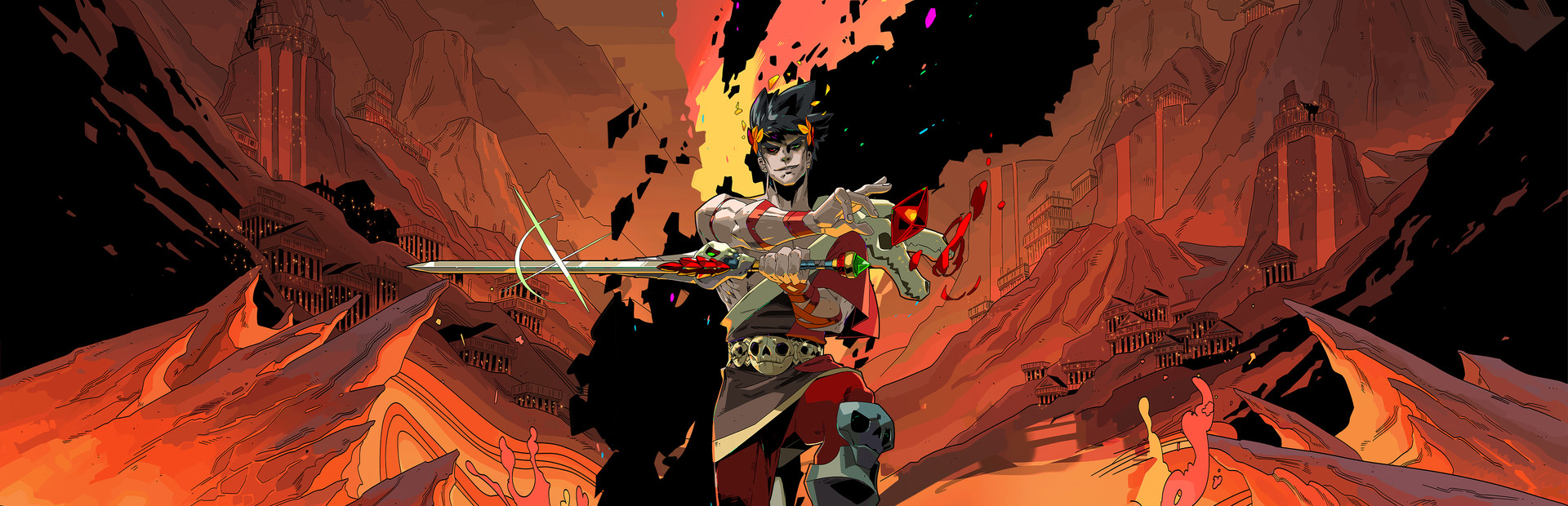
Hades
Setup
Select “Hades” from the CC desktop app.
Install the mod using our desktop app.
This will run the
modimporter.exewhich will convert you game install to a mod ready state.
Launch the game using the CC desktop app.
Press START and test effects!
You can find our mod package here.
Credits
Thanks to the Hades Modding community Discord for putting this together! You can find the source for this project here: https://github.com/SGG-Modding/CrowdControl
Ready to get Started?
Start Streaming the Interactive Way
Have any Questions?
Check our FAQs, or join Discord for Support
Making a Game?
Consider integrating Crowd Control!

OTHER SERVICES