
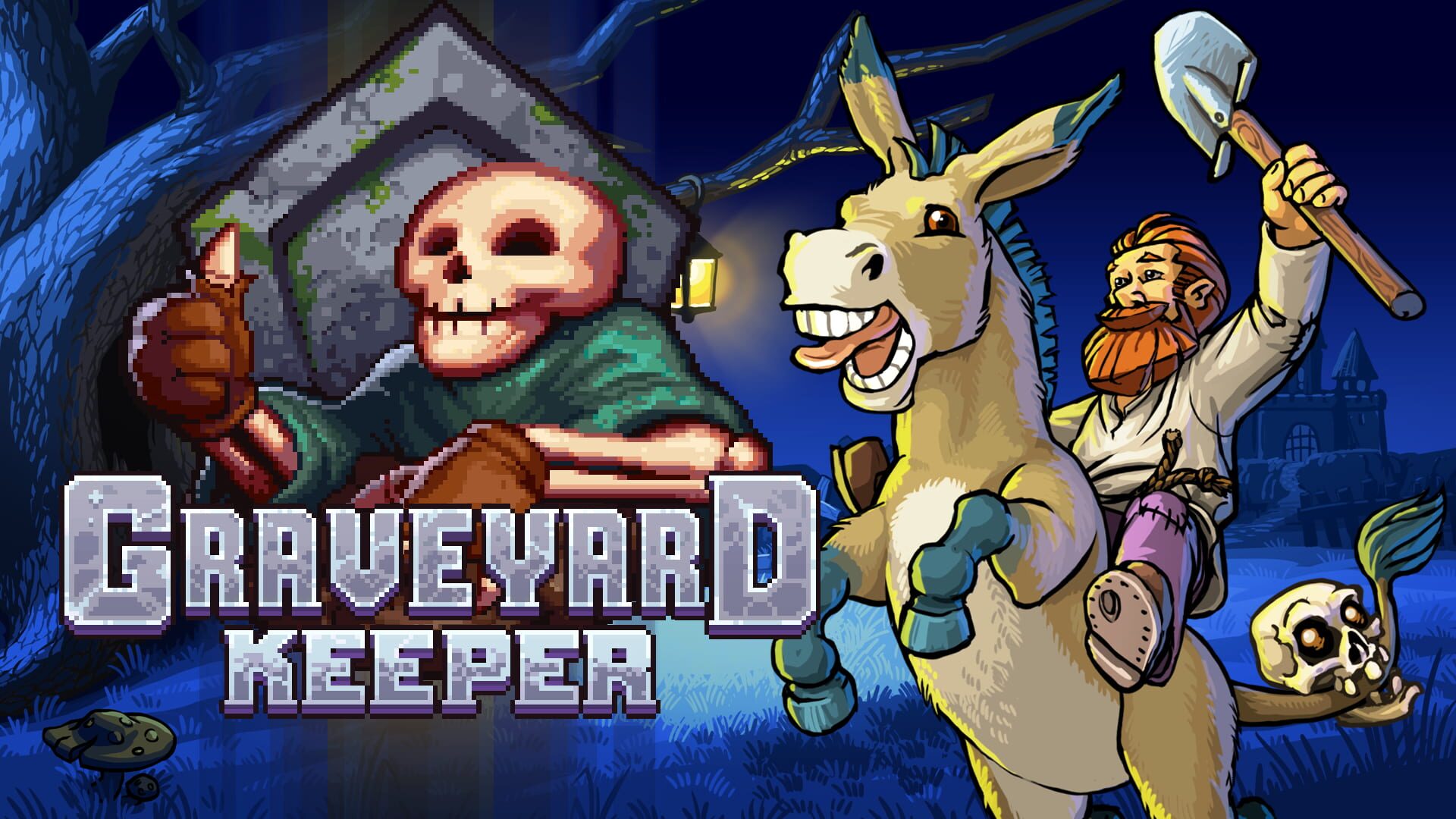
1. Start with the App
Open the Crowd Control desktop app and select Graveyard Keeper.
Follow the Auto Setup checklist. It installs BepInEx 5 and the Crowd Control mod into the game folder for you.
Launch the game from Steam and load your save.
2. Test Before You Stream
Press Start Session in the Crowd Control app.
Trigger a couple of effects yourself.
Make sure the mod overlay shows in game before you go live.
Mod Compatibility
The mod uses BepInEx 5, the same loader most other Graveyard Keeper mods use.
Other BepInEx mods can be used at the same time. Drop their DLLs into
BepInEx\plugins\as usual.KeeperLoader (a separate mod manager from Nexus Mods) cannot run at the same time as BepInEx. Both claim the same loader files next to the game exe, so installing one disables the other. Use one or the other.
Game Version
Tested on the Steam version of Graveyard Keeper (build 1.407).
Playing on another store or version? Let us know on Discord and we will take a look.
Uninstall
Use the trash icon in the Crowd Control app to remove the mod.
Ready to get Started?
Start Streaming the Interactive Way
Have any Questions?
Check our FAQs, or join Discord for Support
Making a Game?
Consider integrating Crowd Control!

OTHER SERVICES