
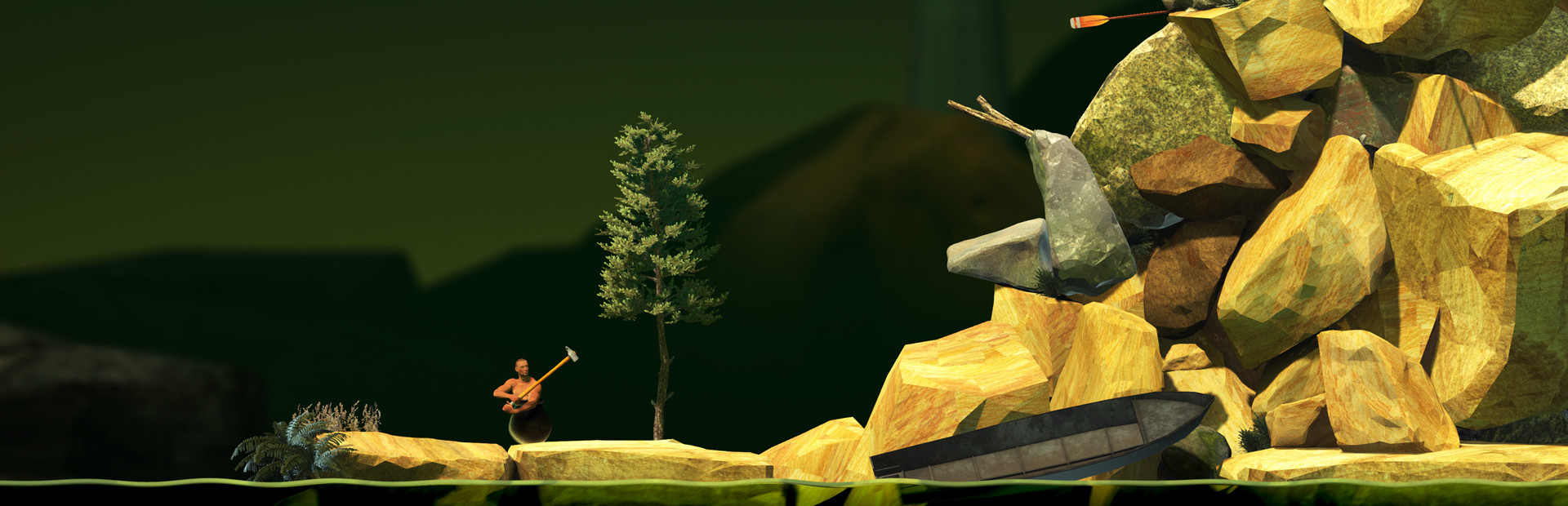
GettingOverIt
Setup
We suggest using the Crowd Control Desktop app to install our mod!
Select Getting Over It from the CC desktop app.
Install the mod using our desktop app.
Launch the game using the CC desktop app.
Press START and test effects!
You can find our mod here!
Uninstall
To uninstall the Crowd Control mod:
From the CC desktop app, select your game.
Press ALT + Click on “Mod Installed” to run the uninstaller.
Ready to get Started?
Start Streaming the Interactive Way
Have any Questions?
Check our FAQs, or join Discord for Support
Making a Game?
Consider integrating Crowd Control!

OTHER SERVICES