
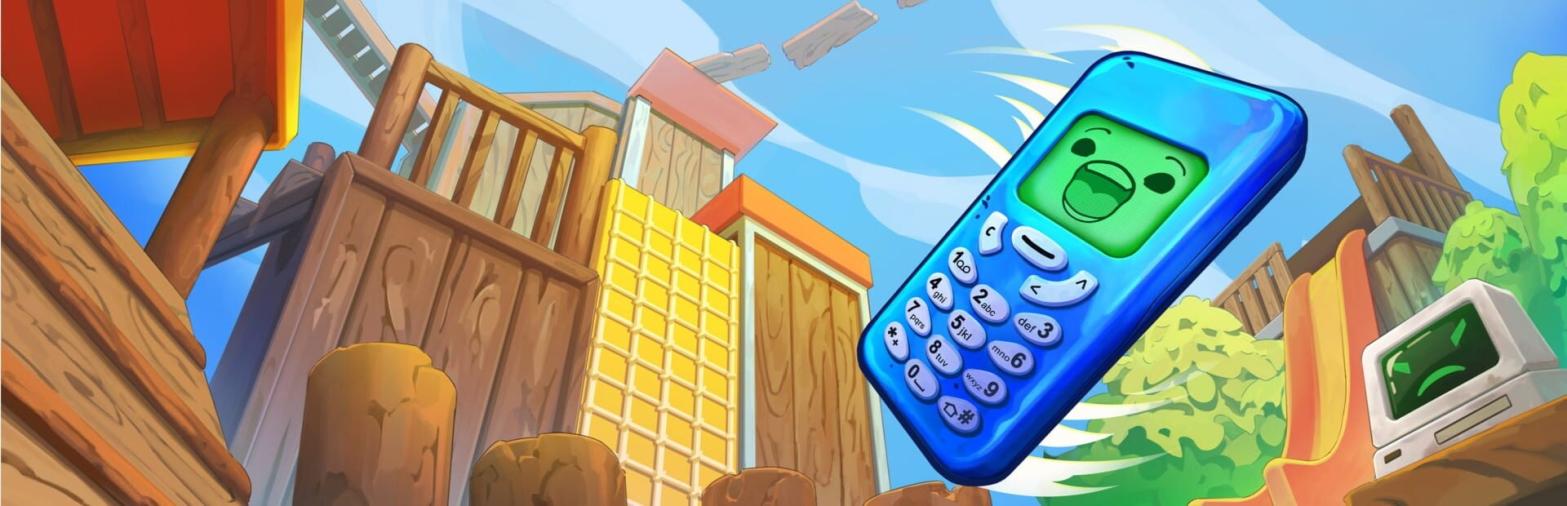
This game has Crowd Control build in! Flipping is Hard on Steam today!
Setup
This game has Crowd Control built-in, so launch the game to connect!
To connect to Crowd Control, head to Settings.
After logging in, you session will START!
Desktop App
Continue to the Crowd Control desktop app to adjust price settings, setup additional triggers, integrations, overlays and user settings!
Map Unlock
The Crowd Control "Streamer effects" option only appears when starting a new game after the main map (Trashlands Story) is completed on Hard. We provide an unlock tool that writes this completion record for you. It does not touch your world saves or save slots.
Download UnlockCC-FlippingIsHard.zip.
Extract the zip.
Close Flipping is Hard if it is running, then run
Install-CCUnlock.bat.Launch the game, pick an EMPTY save slot, and set "Streamer effects" to On when starting the new game. Then use Pause > Live Stream to connect Crowd Control.
The tool backs up any file it changes. To remove the unlock, run
Install-CCUnlock.bat -Uninstall.
Ready to get Started?
Start Streaming the Interactive Way
Have any Questions?
Check our FAQs, or join Discord for Support
Making a Game?
Consider integrating Crowd Control!

OTHER SERVICES