
1. Start with the App
Download the Crowd Control Desktop App and connect your Twitch account.
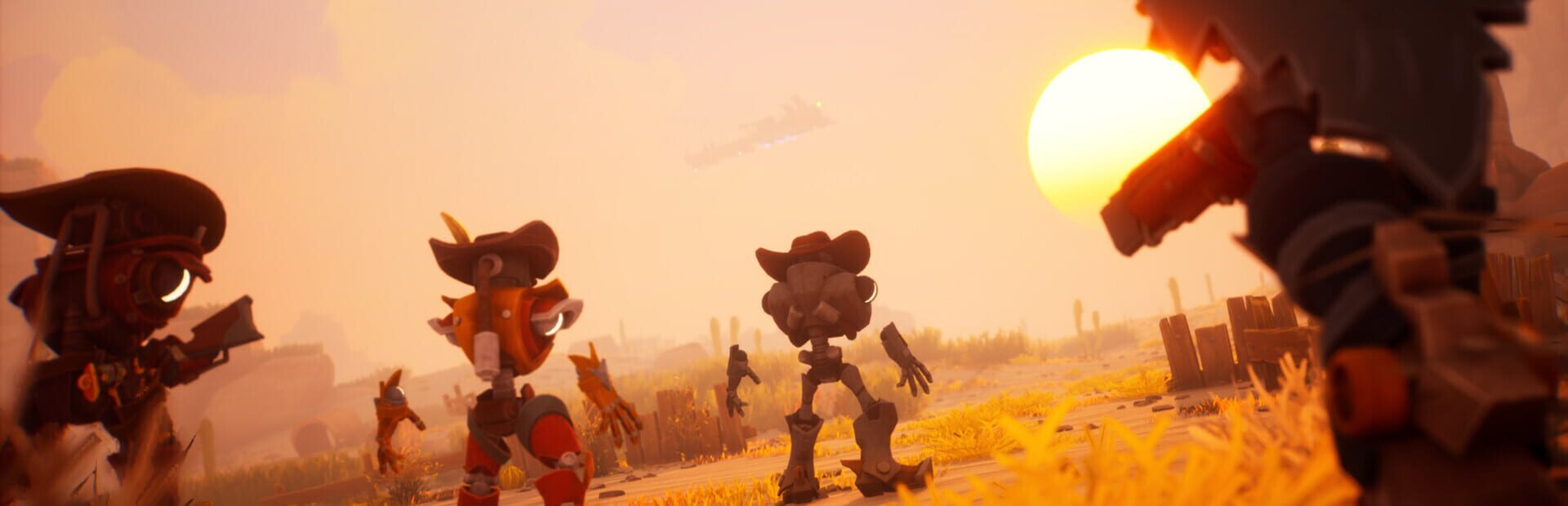
Open the app and select Far Far West from the game list.
Follow the Auto Setup checklist on the left. It installs the Crowd Control mod (with UE4SS) for you.
Launch Far Far West through Steam.
2. Test Before You Stream
Press Start Session in the Crowd Control app.
Effects can only be tested after pressing Start Session.
Test a few effects and make sure they show up in game before going live.
Mod Compatibility
This pack uses UE4SS v4.0.0 as its mod framework.
Download the CC mod package here: https://one-click.crowdcontrol.live/FarFarWest/FarFarWest-CC.zip
Other mods may not be compatible with the Crowd Control mod.
Game Version
Tested with the Steam version.
Notes
Multiplayer is host-only: some effects (like launching a character into space) only apply to the host.
Uninstall
Select Far Far West in the Crowd Control app.
Click the trash icon next to "Mod Installed" to run the uninstaller.
Credits
Pack and mod by SipcoGamingGuild: https://www.twitch.tv/sipcogamingguild
Ready to get Started?
Start Streaming the Interactive Way
Have any Questions?
Check our FAQs, or join Discord for Support
Making a Game?
Consider integrating Crowd Control!

OTHER SERVICES