
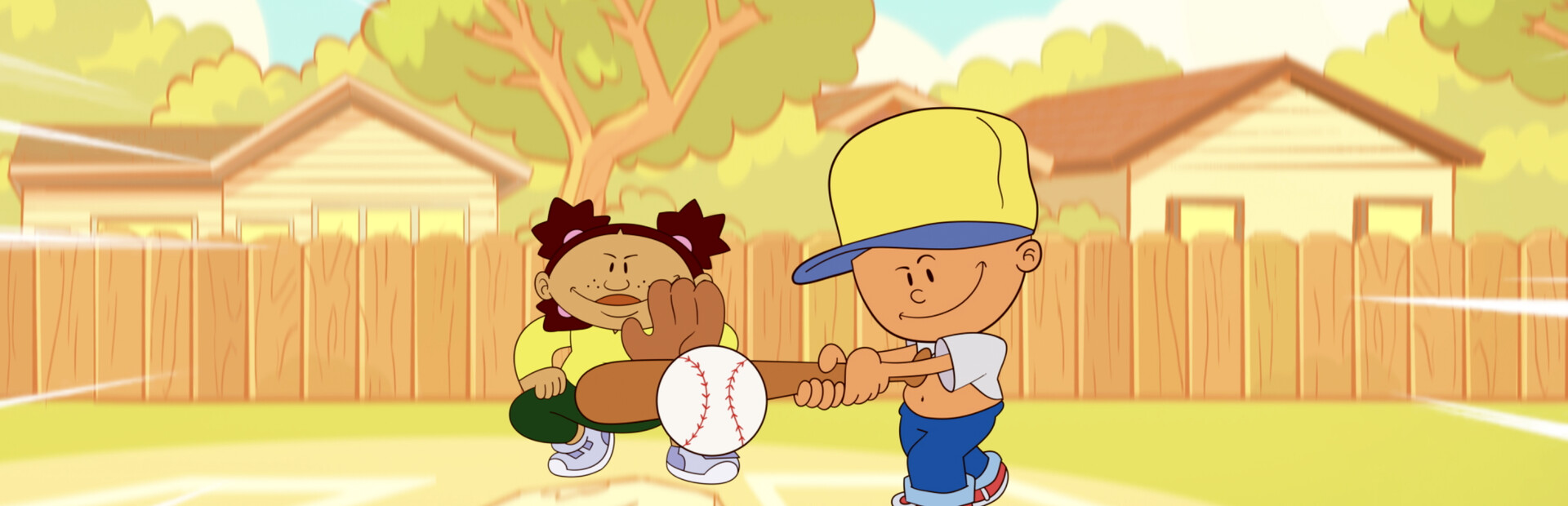
BackyardBaseball97
Support
You can follow the general setup guide at https://crowdcontrol.live/setup for extra help with the Twitch Extension, the Crowd Control Desktop Client and other options.
If you have any questions or need help with this setup, please head over to our discord for additional support!
Setup
Select “Backyard Baseball 97” from the CC desktop app.
The CC app will find your Steam install.
Launch the game using the CC desktop app.
Press START and test effects!
“Awaiting Connector”
If you see that message in the CC app, make sure to use “Launch Game” from out app, instead of directly through Steam.
Ready to get Started?
Start Streaming the Interactive Way
Have any Questions?
Check our FAQs, or join Discord for Support
Making a Game?
Consider integrating Crowd Control!

OTHER SERVICES